



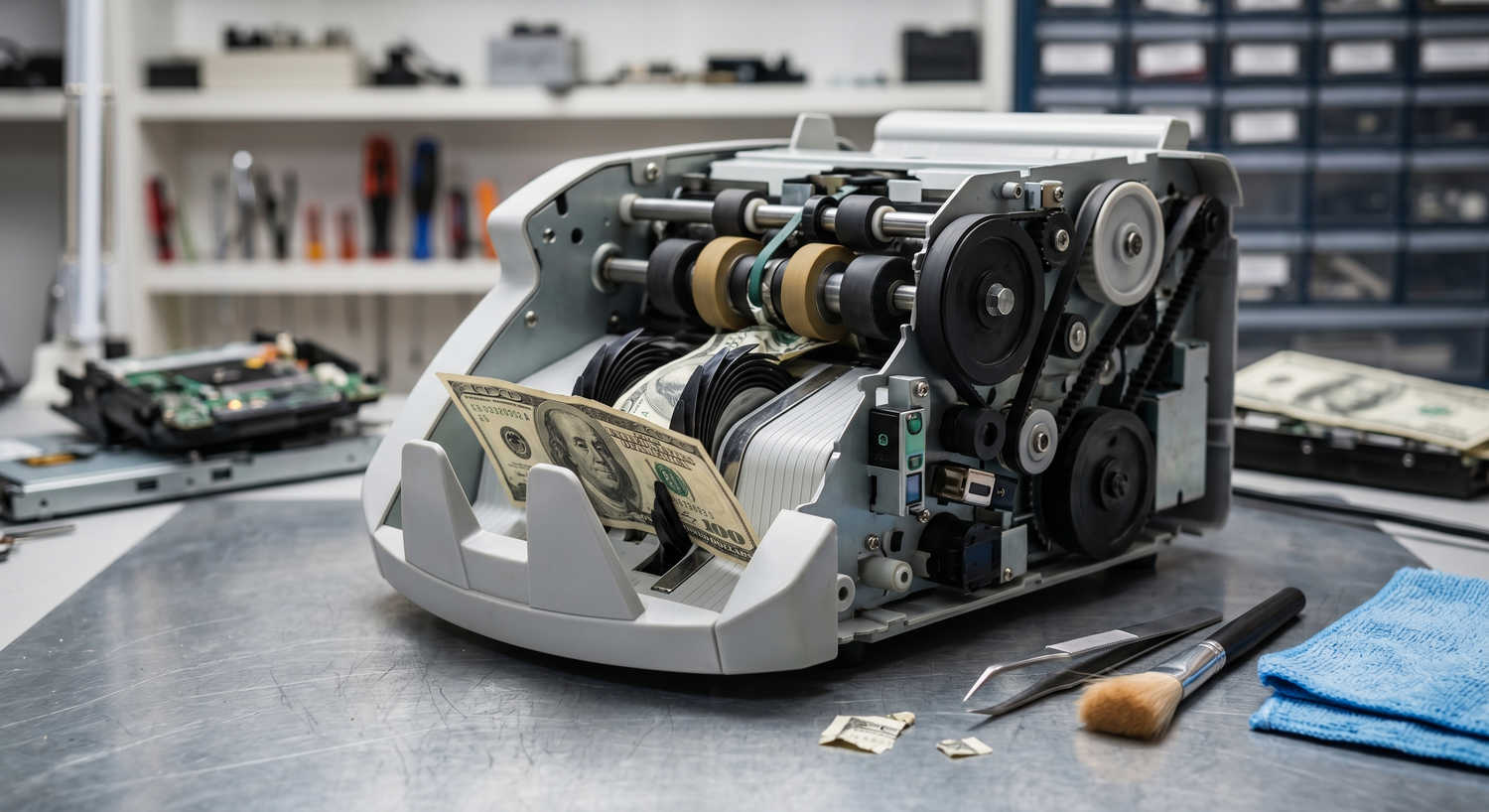
Bill counters are workhorses in retail, banking, and cash-heavy businesses - but when they malfunction, productivity and accuracy suffer. This guide covers the most common issues, their root causes, and proven solutions to keep your counter running smoothly and your counts accurate.
8 Most Common Bill Counter Problems (and Solutions)
1. Paper Jams and Why They Happen
Paper jams are the most frequent complaint we hear. A stuck bill can grind operations to a halt, and the underlying causes are usually preventable.
Folded, torn, or crumpled bills are the primary culprit. When a bill is even slightly bent, it catches on the feed mechanism instead of sliding smoothly through. Overloading the hopper compounds this - cramming too many bills forces them to stack unevenly, causing misfeeds and jams.
Worn or dirty rollers are another common factor. Over time, rubber rollers lose grip and become slippery, especially when dust and debris build up. If a roller is worn flat or hardened, it can't grip bills reliably.
How to fix it: First, power down the counter completely. Open the access panels and gently remove any stuck bills - never force them, or you'll damage internal components. Inspect the rollers for visible wear, dirt, or hardening. Clean the hopper, stacker, and feed track with compressed air to remove dust and debris. If rollers appear worn beyond cleaning, consult your machine's manual for replacement guidance.
2. Inaccurate Counting and Wrong Totals
When a bill counter skips bills or miscounts, trust in your daily reconciliation evaporates. Inaccuracy usually traces back to three sources: sensor contamination, worn rollers, or incorrect bill placement.
Dust and paper particles gradually coat the optical sensors that detect each bill as it passes through the counter. Even light contamination reduces sensor sensitivity enough to miss bills. Worn rollers feed bills inconsistently, sometimes too fast for sensors to register. Users also sometimes fan or loosely place bills in the hopper, causing them to stack at odd angles where sensors miss them.
How to fix it: Start with a full cleaning. Use compressed air on the hopper, stacker, and counting track to dislodge dust. For optical sensors, use specialized cleaning cards designed for bill counters - these are safer than compressed air on sensitive optics. Ensure bills are stacked neatly and inserted straight into the hopper, not fanned or loosely placed. If accuracy issues persist after cleaning, test batches with known bill counts to isolate the problem. Worn rollers may need replacement - your machine's manual specifies the replacement schedule.
3. False Counterfeit Rejections
Many operators become frustrated when their counter rejects legitimate bills. This usually indicates overly aggressive counterfeit detection settings, not faulty equipment.
Heavily circulated currency - bills that have been in circulation for years - accumulate wear and discoloration that can trigger sensitivity alarms. Older or damaged bills may fail UV (ultraviolet) tests if the machine's sensitivity is set too high. New, crispy bills can also cause false rejections if their surface reflectivity differs from the sensor's baseline. Environmental factors matter too: some locations use ink in branding or signage that fluoresces under UV light, which can confuse the machine.
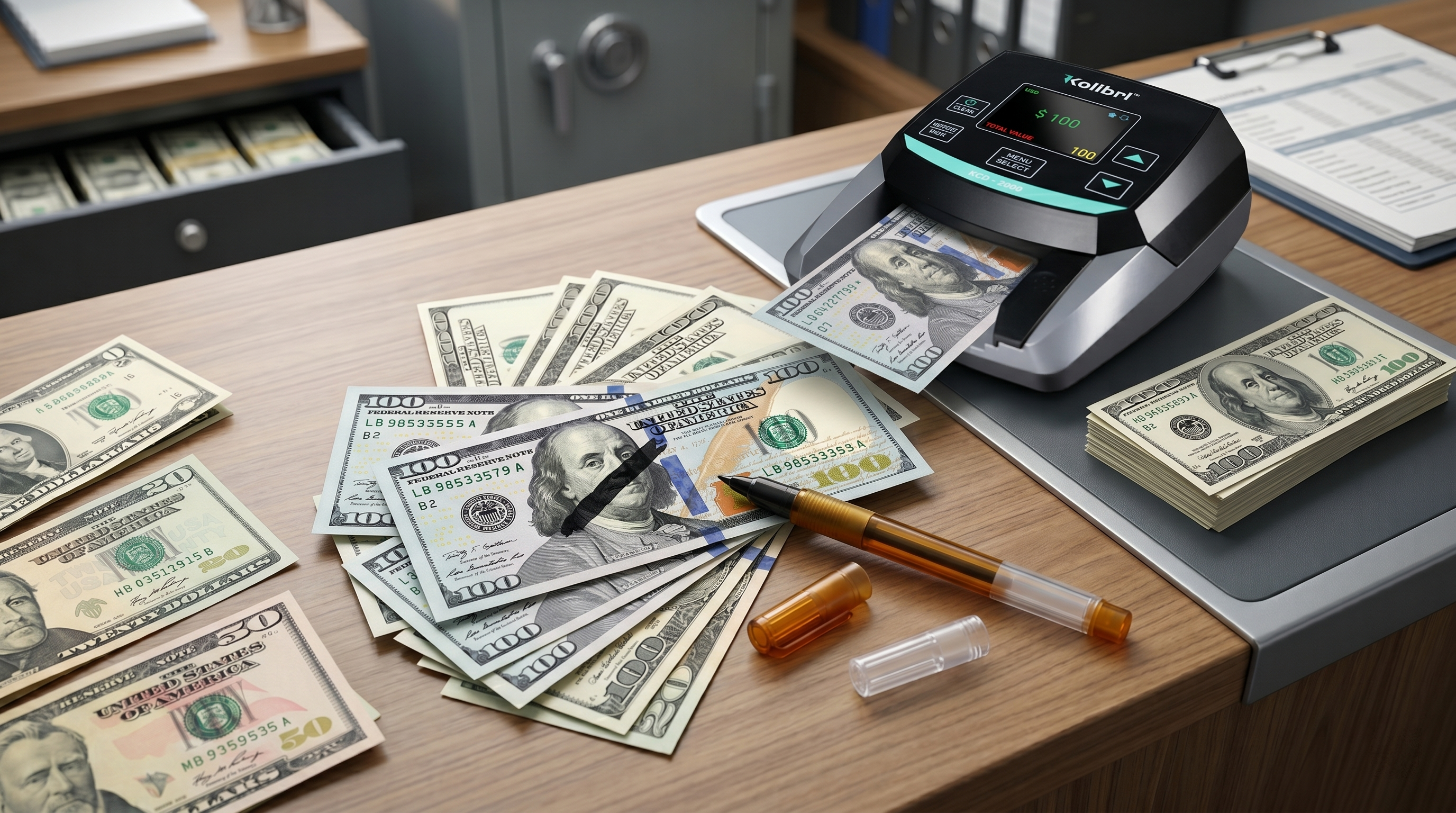
How to fix it: Consult your counter's manual for instructions on adjusting sensitivity. Most machines allow you to lower UV or magnetic (MG) sensitivity if you're getting false rejections on legitimate currency. Test the adjustment with a small batch of the problematic bills. If your counter has IR (infrared) detection, it's usually more reliable than UV alone for heavily circulated notes. You should also consider broader counterfeit-detection options beyond just counter settings to ensure comprehensive fraud prevention.
4. Sensor Errors and Dirty Sensors
"Sensor Error" messages are among the most common error codes, and they're usually fixable without service calls. Optical sensors are the eyes of your bill counter, and they're vulnerable to dust.
Paper particles float through your counter constantly - they're inevitable in any environment with frequent cash handling. These particles settle on optical sensor windows, creating a haze that reduces the sensor's ability to detect bills. With enough buildup, the counter loses confidence in its readings and triggers an error rather than guessing. With enough buildup, the counter loses confidence in its readings and triggers an error rather than guessing. Sensors can also accumulate environmental lint if the counter isn't protected from dust.
How to fix it: Power down the machine, then locate the sensor windows (your manual shows the exact locations). Use a can of compressed air to blow debris away - short bursts work better than sustained pressure. Never touch sensor surfaces with your fingers, as skin oils create smudges that are harder to remove. If compressed air doesn't resolve the error, use a soft, lint-free cloth slightly dampened with distilled water. Allow the counter to air-dry completely before restarting. For maintenance, Kolibri recommends weekly sensor inspections and cleaning during regular use, and twice weekly if you process bills continuously.
5. Bill Feeding Issues and Rejection Cycles
When your counter consistently rejects good bills or feeds them incorrectly, the problem usually centers on the feed mechanism - most often the rubber rollers.
Worn roller surfaces lose their grip over time, especially in high-volume environments that process thousands of bills daily. Older rollers become hard and slippery, making it difficult to grab and move bills forward. Very old or limp bills may not have enough body to feed properly, either. Debris wrapped around the roller shaft can also prevent smooth feeding.
How to fix it: First, perform a visual inspection by opening access panels and rotating the feed roller by hand (with power off). Look for visible wear, hardening, or debris wrapped around the shaft. Clean the roller surface with compressed air and a soft cloth. If the roller appears severely worn, compare it to your machine's manual photos - if it looks significantly flatter or harder, it likely needs replacement. Ensure your cleaning solution is removed completely, and test with a small batch of standard-condition bills before declaring the problem solved.
6. Overheating and Thermal Shutdown
Some machines shut down unexpectedly with an overheating error, particularly during busy periods. This usually isn't a faulty cooling system - it's a blocked air vent.
Bill counters dissipate heat through vents on the housing, typically on the sides and back. When vents are blocked by stacked papers, positioned against a wall, or covered by dust, heat builds up internally. The machine's thermal sensor detects the dangerous temperature and shuts down to prevent damage. This is actually a safety feature, but it's also avoidable.
How to fix it: Ensure your counter has at least 6 inches of clearance on all sides, especially around the vents. Never place it directly against a wall or in a confined space. Regularly clean external vents with compressed air to remove dust that restricts airflow. Clean compressed air can also dislodge particles from external vents. If thermal shutdowns continue even with proper clearance and clean vents, consult your manual or a professional service technician - there may be an internal cooling issue requiring professional service.
7. Display Errors and Blank or Frozen Screens
A non-responsive display is disorienting, but it's often a simple connection issue rather than a hardware failure.
Display errors usually stem from loose power connections, faulty internal cables, or occasionally a software glitch. A coin stuck in a power port, a power cord partially dislodged, or exposure to moisture can all trigger display problems. Firmware corruption, though rare, can cause the screen to freeze or show garbled text.
How to fix it: Start with a power cycle - disconnect the power cord completely, wait 30 seconds, and reconnect. This clears temporary software glitches. Inspect the power cord for damage and ensure it's fully seated in both the wall outlet and the machine. Check for any debris in ports or connection areas. If the display remains dark or frozen, try unplugging it for 5 minutes to fully clear the system memory. If you're comfortable with it, consult your manual for a factory reset procedure. If the display doesn't recover, consult your machine's documentation or authorized service providers for further diagnostics.
8. Preventive Maintenance Schedule
The best approach to bill counter problems is prevention. A consistent maintenance routine extends your machine's lifespan and prevents the most common issues.
Weekly (frequent use): Clean the hopper, feed mechanism, and stacker with compressed air. Wipe external vents to keep them dust-free. Visually inspect rollers for visible debris or wear.
Monthly: Run a full deep cleaning with compressed air and cleaning cards on optical sensors. Inspect power connections and cables for damage. Test accuracy with a known bill count to catch sensor degradation early.
Quarterly: Replace cleaning cards if they're visibly soiled. Review your machine's specific maintenance schedule - roller replacement intervals vary by model and usage volume. Check that the firmware is up to date if your model supports updates.
Keep a maintenance log noting cleaning dates and any issues that arise. This documentation helps you spot patterns and can guide decisions about maintenance needs or upgrades. Follow manufacturer recommendations for your specific machine - a Kolibri money counter has different maintenance needs than a Signature V2 mixed bill counter.
When to DIY vs. When to Call for Help
Most common bill counter problems have straightforward fixes you can handle yourself. However, some issues require professional service.
DIY fixes are appropriate for cleaning, minor adjustments, power cycling, and simple parts you can safely access. If you're comfortable opening access panels per your manual and using compressed air or cleaning cards, go ahead. However, if you need to disassemble internal mechanisms, solder components, or access electrical systems beyond basic power connections, stop and call a professional.
Consult your manual for issues involving roller replacement, internal electrical problems, persistent errors that survive troubleshooting, or any situation where you're unsure about safe disassembly.
When It's Time to Replace Your Bill Counter
Sometimes the best fix is an upgrade. Recognizing end-of-life signs helps you avoid reliability issues and frequent downtime.
If your counter requires repairs more than once every six months, replacement parts are becoming hard to find, or it's older than 8-10 years with heavy daily use, it may be time to evaluate new options. Persistent sensor failures despite repeated cleaning, repeated feed mechanism issues requiring parts replacement, or accuracy problems that can't be resolved through troubleshooting are also red flags. Modern bill counters offer faster speeds, more detection features, and better reliability than older models.
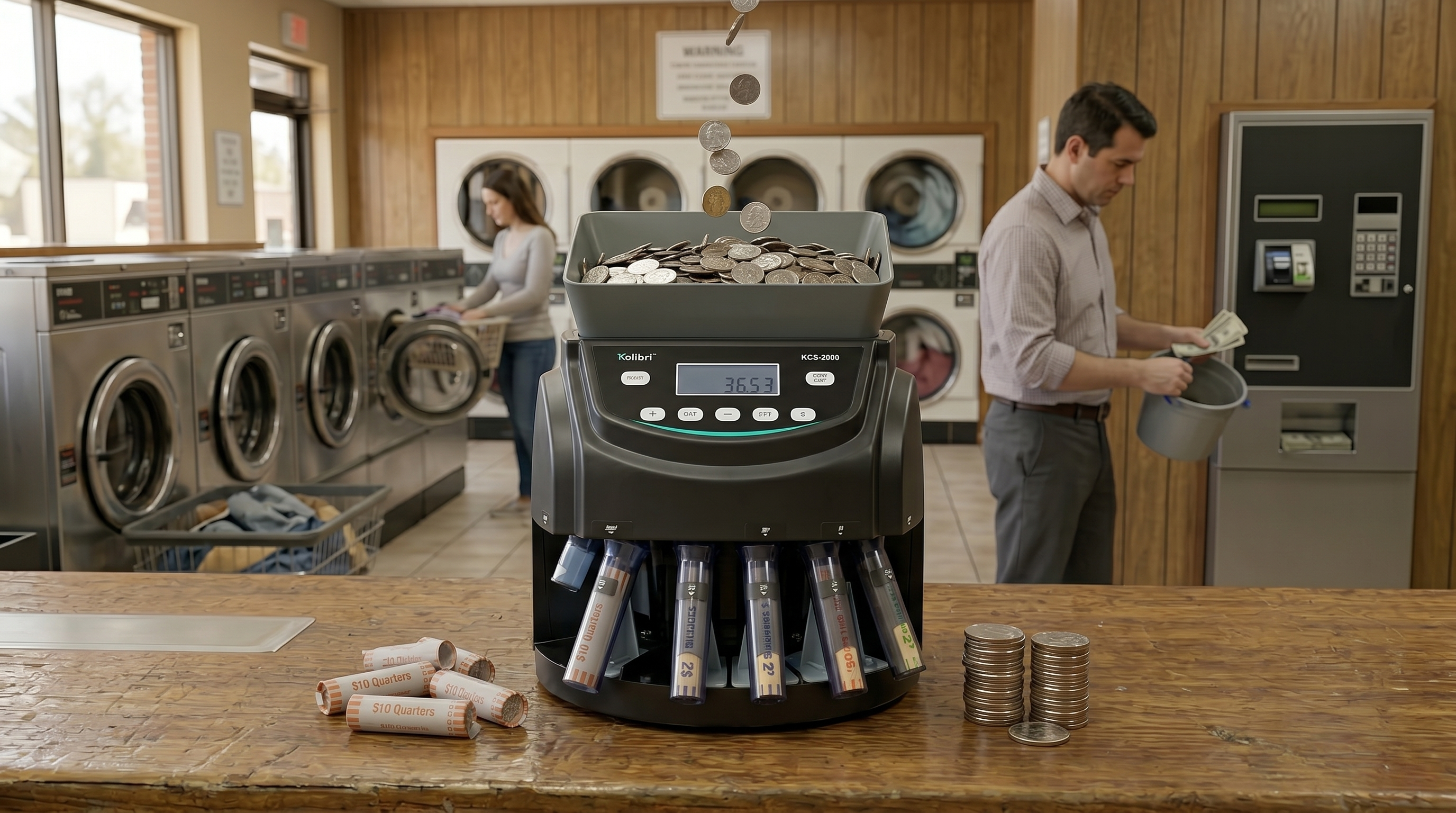
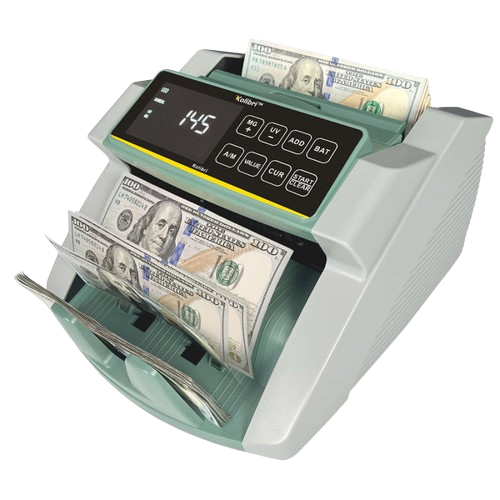
Kolibri offers a range of options for different budgets and applications. Entry-level models like Kolibri money counter are designed for basic counting in small businesses. The KBR-500 mixed-bill counter adds discrimination and counterfeit detection capabilities for mid-size operations and is ideal for laundromats and retail settings.

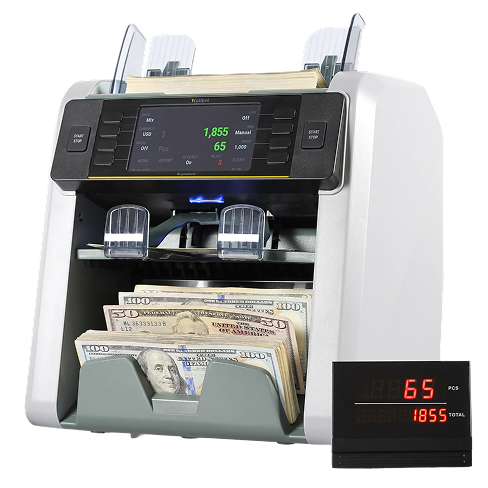
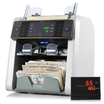
For banking and high-volume operations, the Signature V2 provides dual-pocket sorting and advanced detection features.
The Domino V2 offers a mid-premium option for growing businesses. Visit the Kolibri bill counter collection to compare all models and current pricing.

Key Takeaways
- Paper jams, inaccurate counting, and sensor errors account for the most common complaints about bill counters and are preventable with proper maintenance and care.
- Compressed air and cleaning cards are your primary tools for fixing most issues - dust on sensors, rollers, and feed mechanisms causes the majority of failures.
- Adjust counterfeit-detection sensitivity if you're experiencing false rejections of legitimate currency; older bills often fail under overly aggressive UV settings.
- Maintain proper clearance (6+ inches on all sides) and clean external vents regularly to prevent thermal shutdowns.
- Establish a weekly cleaning routine during heavy use and document maintenance to catch degradation early and prevent costly downtime.
- Consult your manual for issues beyond basic cleaning or if you're unsure how to disassemble your machine.
- If your counter requires frequent repairs, is more than 8-10 years old, or suffers from persistent sensor failures, upgrading to a modern model improves reliability and counting accuracy.
- Following cash handling best practices ensures your operation runs smoothly and maintains proper cash control.
Frequently Asked Questions
How often should I clean my bill counter?
Clean your counter weekly if it's in frequent use, twice weekly for high-volume environments with continuous processing. Focus on the hopper, feed mechanism, stacker, and sensor windows. Use compressed air for most cleaning, and specialized cleaning cards for optical sensors.
Why does my counter reject authentic bills?
False rejections usually indicate overly aggressive counterfeit-detection settings, especially in UV sensitivity. Heavily circulated bills, older currency, or new, crisp bills can trigger false alarms. Consult your counter's manual for sensitivity adjustment instructions, then test with the problematic bills to find the right balance.
What causes sensor errors, and how do I fix them?
Dust and paper particles on optical sensor windows are the culprits in most sensor errors. Power down your machine and use compressed air to blow debris from sensor surfaces. If the error persists, use a soft, lint-free cloth with distilled water. Never touch sensors with bare fingers.
Can I fix a paper jam myself?
Yes, for most jams. Power down completely, open access panels, and gently remove stuck bills without forcing them. Inspect rollers for wear or debris. Clean the feed track, hopper, and stacker with compressed air. If the jam recurs immediately, worn rollers may need replacement.
What's the best way to prevent bill counter problems?
Regular maintenance is key: clean weekly with compressed air, inspect sensors monthly, replace worn parts per the manufacturer's schedule, and keep firmware up to date. Maintain proper clearance around your machine, store bills properly to avoid creasing, and handle the counter gently during operation.
Why does my bill counter overheat and shut down?
Blocked vents are the primary cause. Ensure at least 6 inches of clearance on all sides, especially around vent areas. Dust restricts airflow and heat dissipation. Clean external vents regularly with compressed air and a soft brush.
When should I replace my bill counter?
Consider replacement if your counter is 8-10+ years old, is used heavily daily, requires repairs more than twice yearly, has persistent sensor failures, or exhibits accuracy problems that can't be resolved through troubleshooting. Modern counters offer faster speeds and better reliability.
Is it safe to adjust counterfeit detection settings myself?
Yes, sensitivity adjustments are typically safe and covered in your machine's manual. Start by lowering UV or MG sensitivity if you're getting false rejections, then test with problem bills. Always consult your manual first if you're unsure about any adjustments.
What if troubleshooting doesn't fix my bill counter?
Consult your machine's documentation or authorized service providers for issues that survive troubleshooting attempts. If your counter needs parts replacement or internal repair, refer to your manual for guidance on repair procedures or authorized service options.
How do I know if my rollers are worn and need replacement?
Worn rollers appear noticeably flatter or harder than new ones, often with a glazed or hardened surface. Consistent feed problems or paper jams despite cleaning usually indicate wear. Compare your rollers to the photos in your manual - if they look significantly different, it's time for replacement.
Which Kolibri bill counter is right for my business?
It depends on your volume and needs. The money counter ($96.99) handles basic counting for small operations. The KBR-500 ($286.95) adds mixed bill counting and detection. The Domino V2 ($551.99) and Signature V2 ($1,093.49) offer dual-pocket sorting and advanced features for high-volume or specialized applications. Browse our full collection of bill counters to compare.
How important are firmware updates for my bill counter?
Firmware updates improve accuracy, fix known issues, and sometimes add features. Check your machine's manual for update procedures if your model supports them. Regular updates help maintain reliability and compatibility with evolving currency standards.